Software as a Service, or SaaS for short, is software you access and use online through your web browser instead of having to buy licenses and install programs on your computer. You can think of it as Netflix but for business software. You subscribe to a SaaS tool and use it online as often as you like without needing to worry about installing, managing or upgrading software programs.
SaaS is now a critical component of almost every small and medium business. According toTechaisle, 80 percent of SMBs already use at least one SaaS app. Adoption of cloud software is also increasing at a very fast rate. So, if you’re an SMB decision-maker you should at least have a basic understanding of what SaaS is and how it works.
How SaaS Works
SaaS software works in a slightly different way to traditional software. When you purchase a SaaS tool, the vendor is actually hosting it on their servers and managing all of the IT and technical infrastructure – servers, databases, security patches, updates and the software itself. Your employees then log in to the application with their browser and work on their tasks in real time, with your data stored securely in the cloud.
Traditionally, businesses would purchase software licenses and then install it on each computer. The local IT team would then manage the maintenance of the software such as backups and upgrades as well as troubleshoot any issues with the software or applications. SaaS removes this requirement as everything is managed by the vendor in the cloud, and your business just has to pay a subscription fee for use. According toMcKinsey, switching from traditional software to SaaS can save your business up to 20–30 percent on your IT budget.
SaaS Characteristics
SaaS solutions have some key characteristics that make them so popular and a vital component for growing businesses:
Cloud-based: SaaS can be used by anyone, from anywhere as long as they have an internet connection and a compatible device. This is a major advantage for companies with remote teams and global workforces
Automatic updates: The vendor is in charge of all updates, releases, patches and maintenance so your users won’t notice any disruption to their workflows
Scalable and flexible: You can usually add or remove licenses, features and even upgrade your plan on a monthly basis to better align with your business’s changing needs
Low initial cost: SaaS products require no or low upfront fees and are instead based on a predictable monthly or yearly subscription fee
Integrated: Most SaaS tools can be connected to other SaaS solutions using APIs (application programming interfaces)
Security: SaaS vendors usually offer enterprise-grade security standards that you would normally only get if you had an in-house IT department
Factor
Traditional Software
SaaS
Initial Cost
Significant upfront capital investment required
Low or no upfront cost
Implementation Time
Lengthy setup and installation (weeks to months)
Days to implement and launch
Maintenance & Updates
Requires dedicated IT staff to manage patches and upgrades
Vendor handles all updates automatically
Upgrade Costs
Steep costs when upgrading to new versions
Same subscription price for all new features
Installation
Local copies installed on each computer
Access via web browser—no installation needed
Ownership & Control
Your business owns and manages the application
You rent access from the vendor
Scalability
Requires hardware and infrastructure investments to scale
Scale users up or down with subscription changes
Security Responsibility
Your IT team manages all security protocols
Vendor handles security standards and compliance
The Difference Between SaaS and Traditional Software
SaaS has become so popular because it is fundamentally different to traditional software deployment, maintenance and pricing models. SaaS offers real benefits to businesses that are now taking advantage of the lower cost of entry and flexibility these types of applications offer. In contrast, traditional software licensing is usually more expensive, requires an IT team and is much more complex to use. The key differences are listed below:
SaaS subscription vs traditional licensing
Software hosted in the cloud vs local software installation
Automated updates and maintenance vs manual intervention
Vendor manages IT operations vs in-house IT management
Software accessed via the web browser vs locally installed apps
Pay-as-you-go SaaS pricing vs high upfront fees
Examples of Common SaaS Categories
In reality, most SMBs need a suite of SaaS tools to support and grow their business. Businesses will use SaaS tools for the top three categories below most of the time. Being able to clearly identify the major SaaS categories and where your business needs the most help is a great starting point to choose which type of SaaS tool you should use.
CRM (Customer Relationship Management) Software CRM tools such as Salesforce and HubSpot help your business manage customer relationships, service and sales pipelines, providing your teams with insight into deals, tasks, and customer history
Accounting Software Cloud accounting tools like QuickBooks and Xero simplify the business’ financial management and reporting, from automating invoicing and expense tracking to filing your tax returns
Project Management Software Project management applications like Asana and Trello help teams collaborate and track projects more efficiently to stay on time and keep everyone involved informed
Communication Software Team communication tools like Slack, Zoom, and Microsoft Teams facilitate remote and distributed workforces, centralizing company chat, video conferencing, and file sharing
Why SaaS Is So Important for SMBs
Globally, the SaaS market is projected to reach $1.13 trillion by 2032, perFortune Business Insights, with the SaaS adoption among SMEs growing at a compound annual growth rate (CAGR) of 21.90 percent.
The growing SaaS adoption rates by SMBs are reflective of the many genuine benefits SaaS can provide to your business. Here are some of the key ones:
Access to quality tools SaaS products give your employees access to enterprise-grade tools that were historically the preserve of much larger businesses with deep pockets. Having access to enterprise-grade software without the need to buy expensive IT infrastructure and hire dedicated IT support staff levels the playing field.
Automatic scaling Traditional software requires businesses to invest more in additional hardware and licenses each time they grow and scale. SaaS tools scale with your business, so you don’t have to pay for unnecessary licenses or have to invest in expensive new infrastructure if you recruit more employees or expand your operations.
Cost-effective security With SaaS tools, you get the benefit of robust security provided by the vendor as part of the subscription cost. The vendor will typically have dedicated security personnel, policies, and procedures in place to protect your data and keep everything up to date and patched against vulnerabilities. SaaS vendors also provide much more robust security updates than on-premise software would normally get.
Access to global talent With the rise of remote work, SaaS also plays a role in enabling distributed teams to collaborate and work together no matter where they’re located. Remote access to software means your business can hire great talent regardless of where they are in the world.
Where to Start When You’re Evaluating SaaS Options
Evaluating your SaaS needs is about identifying pain points in your business and assessing which tools can best help you fix those problems. For example, the highest-impact areas are usually customer management, accounting, communications and project tracking. Other tools to consider are productivity tools, content management systems (CMS) or HR systems depending on the size and maturity of your business.
Evaluating different SaaS vendors should start by understanding the benefits of each solution and then conducting research. The most important criteria to focus on are the solution’s user-friendliness, integration and compatibility with your other tools, security certifications and its pricing. Most SaaS vendors will offer a free trial for your business to test out their solution before you commit to signing up and paying.
The Takeaway
SaaS has become the new normal for business software. Rather than having to operate your own complex internal IT systems, small businesses can now access powerful, enterprise-level tools with a simple subscription model. The availability and affordability of cloud-based software has given smaller companies an opportunity to effectively compete while keeping their technology spend predictable and manageable.

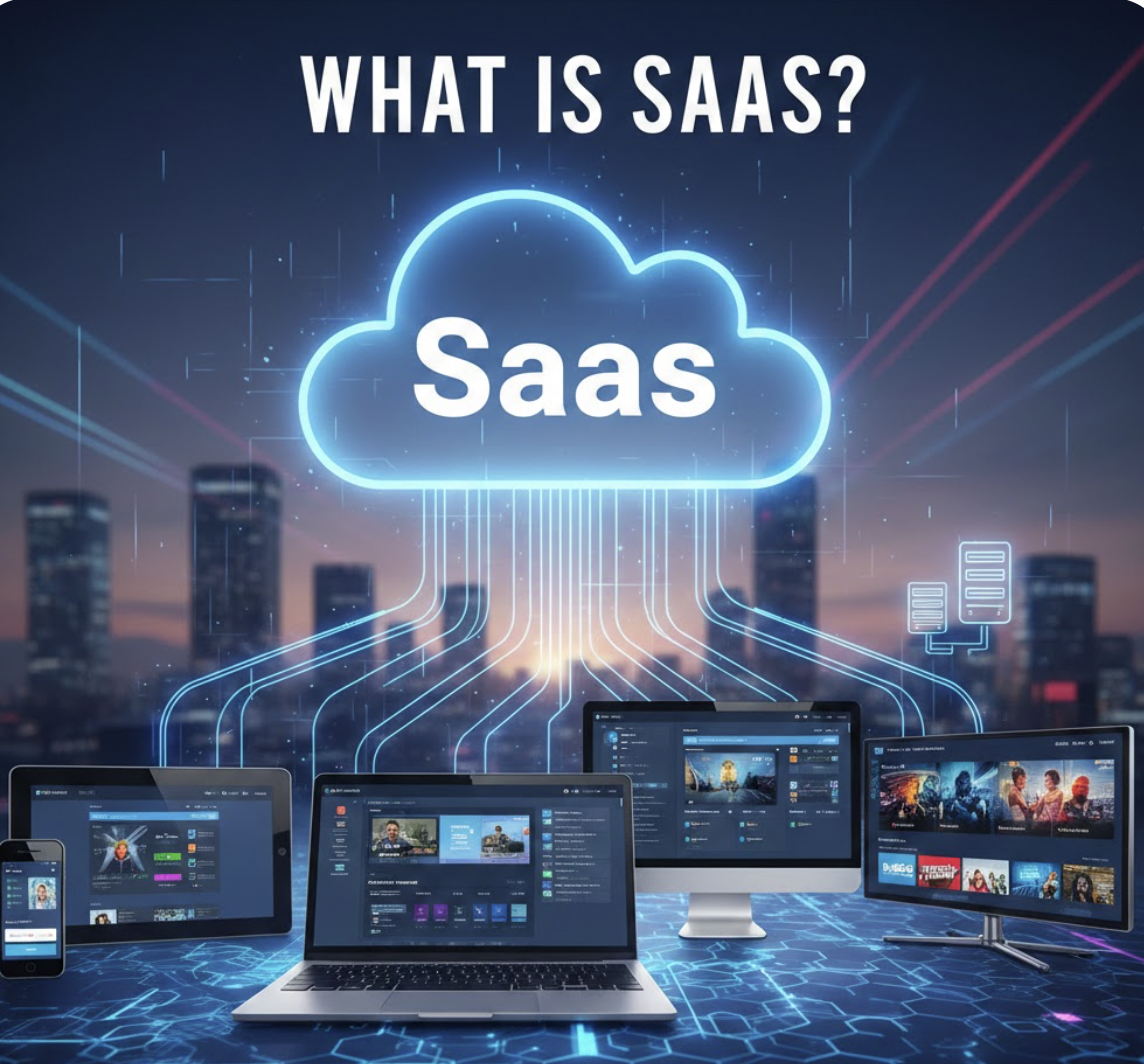
 Table of content
 Share
Share