Static vs Dynamic Websites: A Complete Guide
February 15, 2026
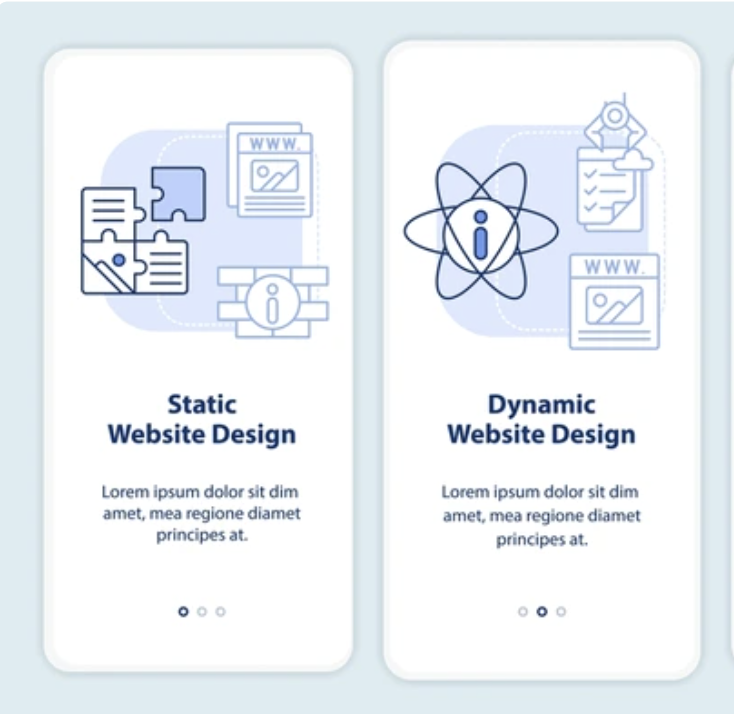

Choosing between static or dynamic website designs proves simpler than most users would anticipate. Both have very different architectures and are optimized for different use cases, but the choice primarily comes down to your type of business and site requirements. At a basic level, static sites display the same content to all visitors using pre-built web pages, while dynamic sites produce pages on-the-fly from a database to target specific users. For the typical small business with simple informational needs, a static website outperforms dynamic sites in terms of loading speed and security. But for e-commerce, membership accounts, and frequently updated content, a dynamic website is the only option.
In this article, we break down static vs dynamic websites so you can be confident in choosing the right fit for your business.
How Static and Dynamic Websites Work
The technical underpinnings of each solution also drive significant performance and behavior differences. Both serve web pages to visitors, but static and dynamic solutions have completely different backends.
Static
Static websites are built with three programming languages that work together to describe what the page should look like in a visitor’s web browser. Critically, this rendering process occurs on the browser, “client-side,” rather than the webserver where your files are hosted. The server instantly displays the pre-built HTML file without any processing once a visitor arrives.
- HTML (HyperText Markup Language) describes the website’s content and structure, including headings, paragraphs, lists, images, and links.
- CSS (Cascading Style Sheets) describes the site’s visual appearance, such as colors, typography, spacing, layout, and effects.
- JavaScript adds dynamic features that react to user actions like animations, interactive forms, and togglable content.
Thanks to this lightweight architecture, static websites are very fast and more secure.
Dynamic
By contrast, a dynamic website uses server-side programming languages (e.g., PHP, Python, Node.js) and is connected to a database. When a visitor requests a page, the webserver receives the request and uses a programmatic script to access the database, retrieve content, and generate HTML on demand. The server-side script then compiles the complete web page before it’s served to the browser. The extra server-side processing is the source of the added functionality:
- Personalization. Target different products or personalized experiences to different visitors at scale.
- Account management. Handle user logins, account profiles, and dashboard displays automatically instead of requiring your team to manually manage customer accounts.
- Easy content editing. Manage and edit content through an admin dashboard without developer assistance to update HTML code.
Speed, Cost, and Security
Performance, budget, and protection also vary quite a bit between static and dynamic sites. These are important trade-offs to consider in determining the right approach for your business.
Static
Static websites offer substantial benefits in speed, cost, and security, making this option the best choice for many businesses. The key benefits of static websites:
- Speed: Pre-built and ready-to-serve content leads to very fast page load times, which improves search ranking and reduces bounce.
- Cost: Pricing from $500 to $5,000 with free or very low-cost hosting through platforms like GitHub Pages or Netlify, static websites are very budget-friendly.
- Security: Fewer plugins means fewer vulnerability exploits, and no databases for hackers to attack, removes two major attack vectors that dynamic sites are susceptible to.
Dynamic
Dynamic websites use more resources and require regular maintenance to support additional functionality. But, it’s worth paying that price if your business demands those extra features.
- Speed: Generating a page for each request means database queries and server-side processing, slowing down load times under heavy traffic. Caching techniques can help.
- Cost: Dynamic sites have a $5,000 starting cost and can reach six figures for larger businesses. Monthly hosting plans range from $20 to $400, depending on your site traffic and features.
- Security: Requires an ongoing commitment – databases must be secured, plugins need updating, and server-side code should be reviewed for vulnerabilities. In exchange for this work, this complexity unlocks powerful features.
When to Choose
Your business model, update cadence, and feature requirements should help point you toward the architecture that makes the most sense for you. Both approaches work, but have different strengths.
Static
Static websites are the best choice for simple business sites with limited information that rarely changes and updates infrequently. These sites don’t need many pages or complex functionality with real-time processing and user management. Here are a few examples that work well as static websites:
- Local service business that operates over the phone or email, using the website as a contact page and service descriptions.
- Professional portfolio to showcase your work and previous projects.
- Marketing landing page to promote a specific offer or campaign.
Static sites are a good fit when your business doesn’t require active content management or user registration and interaction: static websites don’t have “active” content. Content updates very little for weeks or months at a time for the typical static site.
Dynamic
Dynamic architecture is best for more complex business models that require more complex functionality, frequent real-time updates, or user management. The following use cases need dynamic website architecture to support one or more of these advanced capabilities:
- E-commerce store to manage a catalog of inventory, shopping carts, and customer accounts in real time.
- Membership or subscription site that handles user logins and personalized content access.
- Content-heavy business that publishes new articles every week and needs a content management system to update content through an admin panel without developer assistance.
- Service business with bookings where you need to automatically manage scheduling and payment processing.
Next Steps
Following this process should leave you with a clear path forward for your website project. Spending time thinking through the foundational decisions upfront will help avoid much more expensive website rebuilds or platform migrations in the future:
- Document your requirements. Jot down a list of your absolute requirements (user accounts, e-commerce, booking system) and content update frequency.
- Match up to the decision criteria. Apply the three questions above to decide which type of website you need: static or dynamic.
- Research hosting options. Static: GitHub Pages or Netlify (free). Dynamic: managed WordPress hosting options like SiteGround, for example.
- Build or hire. With a clear set of requirements, you can receive accurate estimates of development time and costs from any prospective developers.
 Latest resources