Key URL Parts
A URL can have five components, but only one of them is strictly necessary.
- Scheme
- Authority
- Path
- Query
- Fragment
Let’s now take a closer look at the five different parts of a URL and see what makes each of them unique. You will see that each has its own specific role in a URL.
Scheme
The scheme (or protocol) is always the first component of a URL. It tells the browser what protocol to use to access the resource identified in the URL.
The most common scheme is
- HTTP (Hypertext Transfer Protocol), the standard protocol for accessing webpages.
- HTTPS (HTTP Secure) is the recommended default.
Other schemes:
- mailto: (email links)
- tel: (phone numbers)
HTTPS encrypts your communications to provide three essential security services:
- Encryption: Your data cannot be eavesdropped on.
- Authentication: You can be sure that you are connected to the authentic server.
- Integrity: Any tampering can be detected.
HTTPS only secures your connection between your browser and the web server. Other parts of the data transmission path, such as your ISP, cannot snoop on HTTPS traffic.
Domain Name
A domain name uniquely identifies the webserver where the web resource is located. It’s the most familiar and memorable part of a URL.
Domain names are multi-level structures with up to three components.
- The second-level domain is usually your domain name or company brand name.
- The top-level domain (TLD) is a domain extension such as .com, .org, or .net. They are often referred to as “domains” as well.
- Subdomains are domains that sit before the second-level domain, but they’re optional.
Example: For google.com, the parts are
- “google” = second-level domain (SLD)
- “.com” = TLD
Note: A few country-code domains (such as .co.uk) have their second-level categories predefined.
Path
The path refers to the location of a resource on the web server. The path component comes right after the domain name.
Characteristics of a path:
/
/
- Allows representing a hierarchy
/blog/seo-tips/keyword-research
Optional: You may omit a path. For example:
https://example.com
History:
- Early days of the Web—paths corresponded to physical file locations on the webserver.
- The modern Web—paths rarely have any physical meaning on a server; they are all abstractions
The webserver processes requests for paths, not the browser.
Note: The path does not have to be a local directory on the webserver.
Subdomain
Subdomains are special domains that prefix the domain name (left side) to help organize the content in different parts of a website.
Examples of well-known subdomains:
- www (still the most familiar to most Internet users)
- blog
- shop
- support
- subdomain.example.com
Example: blog.example.com will bring you to the blog section of the example.com site.
The technical definition: Subdomains are third-level domains that come before the second-level domain (SLD).
Port
The port in a URL specifies the application used to access a resource on a web server. The port can only be a number.
Standard ports:
80
443
Testing/Security:
8080
8443
In the browser, it transparently uses the default port that is preconfigured for that protocol, so the port number is typically not shown in URLs.
Query String (Parameters)
Query string (parameters) is the data you pass in the URL after a question mark.
Structure:
?
- Key-Value Pair like ?color=blue&size=large
- Delimiter
&
Note: The format isn’t actually specified in the URL spec. It’s application-dependent. For example, the URL specification doesn’t require the ampersand separator or key-value pairs.
Uses:
- Search engines results
- Filters
- Campaign tracking
UTM parameters are a specific type of query parameter used to track marketing campaign performance. They help you identify which campaigns, sources, and mediums drive traffic to your website. Click here to read our guide on effective implementation of UTM parameters.
Behavior: Fragments are never sent to the server when you make a request. Browsers deal with them locally.
Fragment (Anchor)
Fragment (Anchor) is a navigation pointer within a single webpage. It helps point the browser to a specific section of a resource (webpage) within a document.
Anchor character:
#
Example:
https://example.com/article#conclusion
Brings you to the conclusion section of the article.
Behavior: Fragments are never sent to the server when you make a request. Browsers deal with them locally.

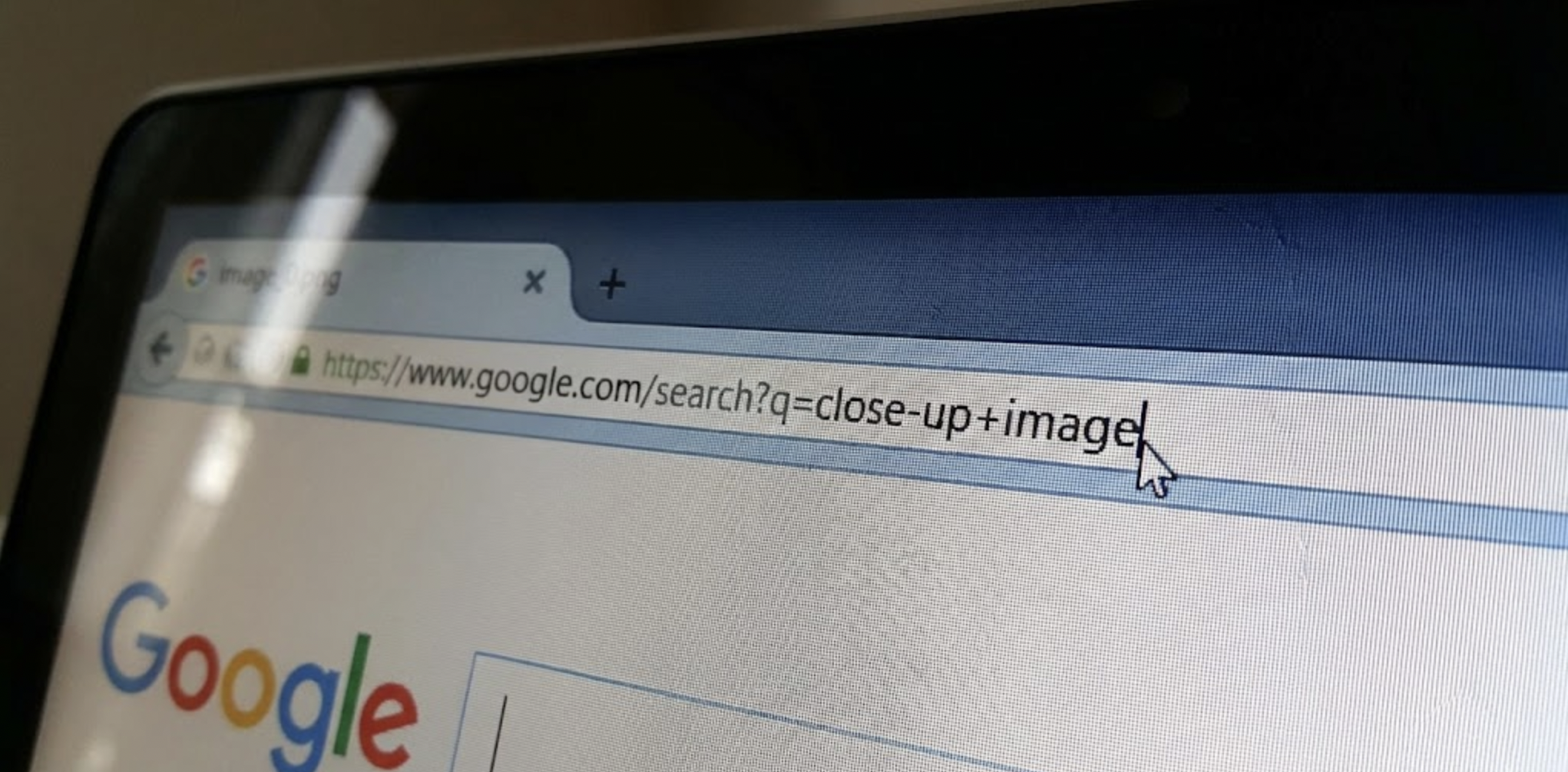
 Table of content
 Share
Share